
Chrome Extension · Free
Arabizzi:
Type in Latin.
Arabizzi:
Type in Latin.
Convert or translate instantly.
Arabizzi turns Arabizi into Fusha or colloquial Arabic, translates to English or French, and can translate selected text on any page from the popup or a right-click.
Live examples
>
Tunisian
Fusha
English
French
The problem it solves
Writing Arabic should not depend on having the right keyboard layout, or slowing down to hunt for Arabic letters.
⌨️
No Arabic keyboard?
You want Fusha, Tunisian dialect, or a quick translation to English or French, but only have a Latin keyboard. Type naturally and get the result in seconds.
⚡
Prefer Latin / Arabizi?
You can use an Arabic keyboard, but Arabizi is faster
for you: 3aslema, 7alek,
9rib. Convert to polished Arabic or translate
without retyping every word.
🌐
Need it while you browse?
Select text on any page for a Translate pill, or right-click → Translate with Arabizzi. Or open the popup for longer conversions, no separate app required.
See it in action
Watch how fast you can go from Latin input to Arabic, or English and French, with Arabizzi.
Watch on YouTube if the player does not load.
Community reviews
See how creators and users discover Arabizzi, independent videos from the community.
Now on Mortakaz
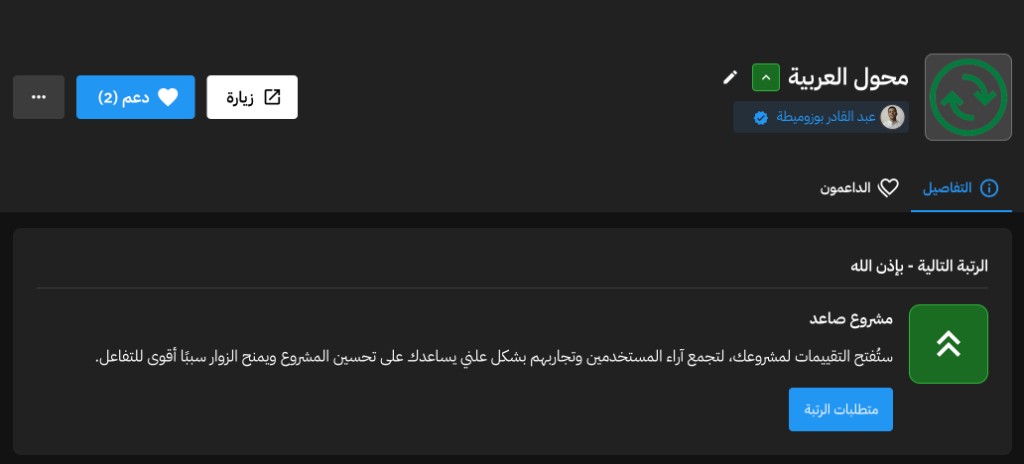
Arabizzi is officially published on Mortakaz, an Arabic platform to discover, support, and share feedback on Arabic-built projects.
Official launch
مشروع صاعد
Arabizzi is live on Mortakaz
Arabizzi متوفر الآن رسميًا على مرتكز, منصة عربية بديلة لـ Product Hunt لمشاركة المشاريع العربية ودعمها.
Visit our project page, try the extension, and leave your feedback on Mortakaz to help more Arabic speakers discover Arabizzi.
What you get
✓
Four output modes
Fusha, colloquial Arabic, English, or French. Switch with one tap in the popup.
✓
Translate on any page
Select text for a Translate pill, or right-click → Translate with Arabizzi and pick the target language.
✓
Smart Arabizi mapping
Understands number substitutions like 3 → ع, 7 → ح, 9 → ق, and more.
✓
Copy, history & bookmarks
Copy output instantly, revisit recent conversions, and save favorites, including page translations.
✓
Powered by Google Gemini
Accurate AI conversion using your own free Gemini API key, stored locally in your browser.
✓
Private by design
Your API key and history stay on your device. Text is sent only to Google Gemini for conversion.
How it works
1
Install the extension
Add Arabizzi from the Chrome Web Store and pin it to your toolbar.
2
Add your Gemini key
Open settings, paste a free key from Google AI Studio, and save. One-time setup.
3
Convert, translate, copy
Use the popup for Arabizi → Fusha, colloquial, English, or French. Or select text on any page and translate in place.
Frequently asked questions
Quick answers about Arabizzi, privacy, and how conversion works.
What is Arabizzi?
A free Chrome extension that converts Arabizi into colloquial Arabic or Fusha, translates to English or French, and can translate selected text on any webpage, powered by Google Gemini.
Is it free?
Yes. Arabizzi is free to install. You use your own Gemini API key from Google AI Studio, which includes a free tier.
Do I need an Arabic keyboard?
No. Type in Latin letters, like 3aslema or
chneya 7alek, and copy Arabic, English, or French
output anywhere.
Can I translate text on a webpage?
Yes. Select text to open the green Translate pill, or right-click → Translate with Arabizzi and choose Fusha, colloquial Arabic, English, or French.
How is my data handled?
Your API key and settings stay in your browser. Text is sent only to Google Gemini when you convert or translate. Read our privacy policy.
Open for contributions and new ideas
Arabizzi is an open project. We welcome bug reports, feature suggestions, translations, and pull requests from the community.
View on GitHubStart converting and translating your way
Whether you type faster in Latin, need English or French, or want to translate text while browsing, Arabizzi keeps it in one free extension.
Get the Chrome Extension